Carousel
Browse product photography with native scroll snap, thumbnails and keyboard controls.
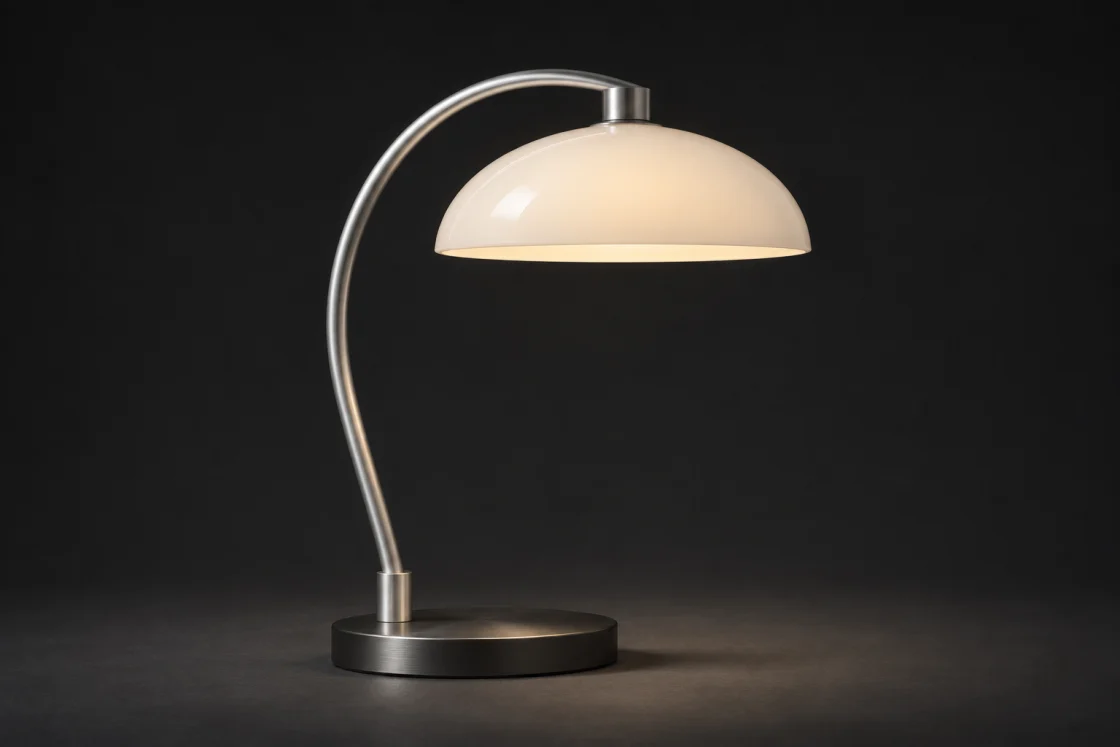
Arc Task Lamp
HTML
<rl-gallery class="rl-media-card" role="region" aria-label="Product finishes" aria-roledescription="carousel">
  <ol class="rl-gallery-track" tabindex="0" aria-label="Product photographs">
    <li data-rl-slide="ivory" data-label="Soft ivory">
      <span class="rl-lamp-photo" data-finish="ivory" data-view="profile">
    <img src="/studio-lamp.webp" alt="Arc Task Lamp, Soft ivory" width="1120" height="747" loading="lazy" decoding="async" draggable="false">
  </span>
    </li>
    <li data-rl-slide="sand" data-label="Warm sand">
      <span class="rl-lamp-photo" data-finish="sand" data-view="profile">
    <img src="/studio-lamp.webp" alt="Arc Task Lamp, Warm sand" width="1120" height="747" loading="lazy" decoding="async" draggable="false">
  </span>
    </li>
    <li data-rl-slide="graphite" data-label="Graphite">
      <span class="rl-lamp-photo" data-finish="graphite" data-view="profile">
    <img src="/studio-lamp.webp" alt="Arc Task Lamp, Graphite" width="1120" height="747" loading="lazy" decoding="async" draggable="false">
  </span>
    </li>
  </ol>
  <div class="rl-media-caption">
    <div><strong>Arc Task Lamp</strong><output data-rl-gallery-label aria-live="polite">Soft ivory</output></div>
    <div class="rl-gallery-arrows">
    <button type="button" data-rl-prev aria-label="Previous image" aria-disabled="true"><span aria-hidden="true">←</span></button>
    <button type="button" data-rl-next aria-label="Next image"><span aria-hidden="true">→</span></button>
  </div>
  </div>
  <form class="rl-gallery-choices">
    <fieldset><legend>Finish</legend>
      <label>
        <input type="radio" name="view" data-rl-gallery-choice value="ivory" checked>
        <span class="rl-gallery-thumb"><span class="rl-lamp-photo" data-finish="ivory" data-view="profile">
    <img src="/studio-lamp.webp" alt="" width="1120" height="747" loading="lazy" decoding="async" draggable="false">
  </span></span>
        <span>Soft ivory</span>
      </label>
      <label>
        <input type="radio" name="view" data-rl-gallery-choice value="sand">
        <span class="rl-gallery-thumb"><span class="rl-lamp-photo" data-finish="sand" data-view="profile">
    <img src="/studio-lamp.webp" alt="" width="1120" height="747" loading="lazy" decoding="async" draggable="false">
  </span></span>
        <span>Warm sand</span>
      </label>
      <label>
        <input type="radio" name="view" data-rl-gallery-choice value="graphite">
        <span class="rl-gallery-thumb"><span class="rl-lamp-photo" data-finish="graphite" data-view="profile">
    <img src="/studio-lamp.webp" alt="" width="1120" height="747" loading="lazy" decoding="async" draggable="false">
  </span></span>
        <span>Graphite</span>
      </label>
    </fieldset>
  </form>
</rl-gallery>
Use the arrow keys, Home or End on the strip. Touch and trackpad use native scrolling. For your own photographs, place an img in each slide and give it a descriptive alt.
Use in your app
Copy these tags into your page head once. Serve the files at the paths shown, then add the example’s template to your page.
Page assets
<link rel="stylesheet" href="/mero.css">
<link rel="stylesheet" href="/mero-gallery.css">
<script defer src="/mero.js"></script>
<script defer src="/mero-gallery.js"></script>